


Understanding eBay item numbers: what they are and how to find them
Author: Prolisto Team · Last updated: · 2 min read

Every listing on eBay has its own item number. Buyers quote it when they have a question, eBay uses it in cases and returns, and sellers use it to connect listings to their stock. This guide explains what an eBay item number is, where to find it, and how to use it in day-to-day selling.
What is an eBay item number?
An eBay item number is a unique number, usually 12 digits, that eBay gives each listing when it's created. No two listings share a number, and the number stays the same when you edit the listing's title, price or description. eBay also calls it the listing ID.
It's different from a Custom label (SKU), which is a code you set yourself. The item number identifies the listing; the SKU identifies your product. Used together, they tell you exactly which item on your shelf a listing is selling.
Why item numbers matter to sellers
- Finding a listing fast. Searching by item number returns one listing, so you or your team can jump straight to it.
- Customer service. When a buyer quotes an item number, you know exactly which listing they mean. It's the quickest way to identify the listing behind a return request, an "item not received" case, a cancellation or a feedback comment.
- Stock control. Linking each item number to a SKU and a shelf location means a sale can be matched to the right item without guesswork.
How to find an eBay item number
On the listing page
The item number appears in the description section of the listing, labelled eBay item number.
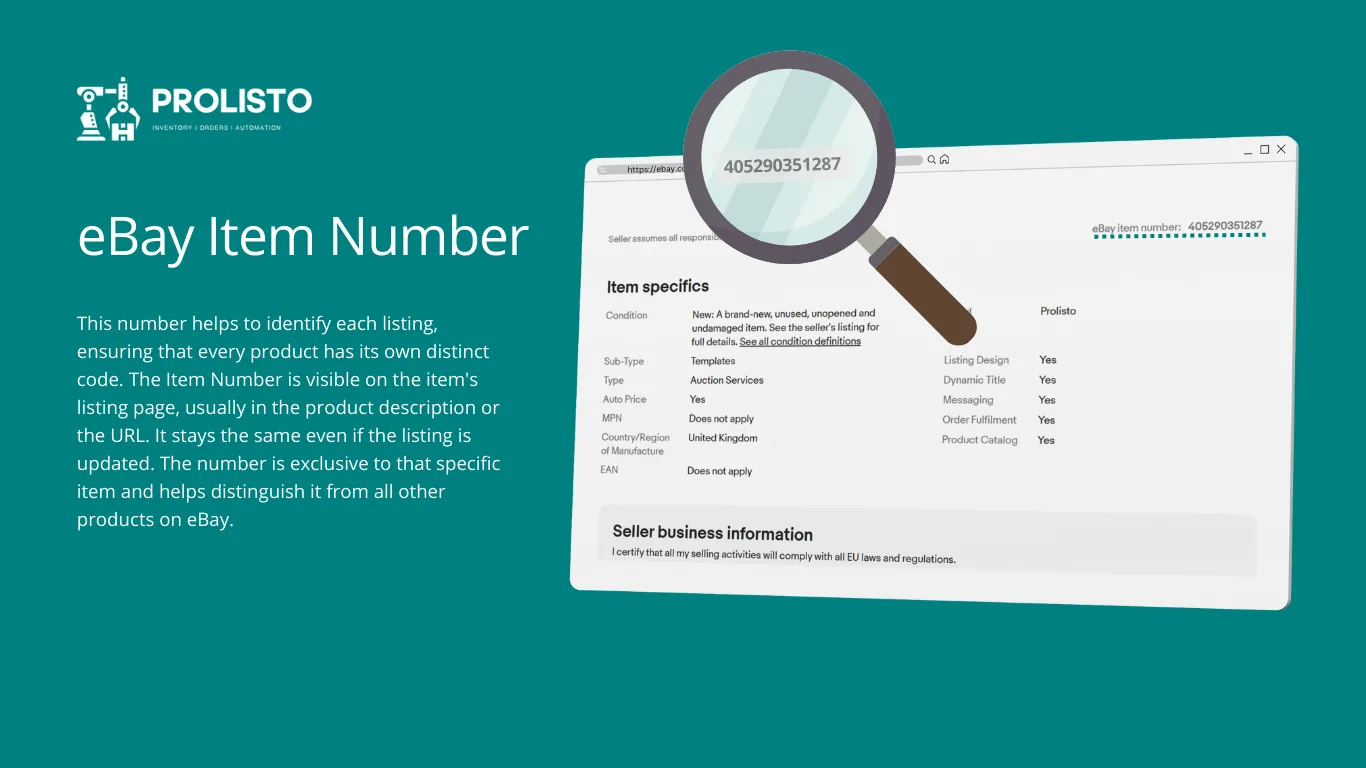
In the web address
Listing addresses follow the pattern https://www.ebay.co.uk/itm/<item number>. In https://www.ebay.co.uk/itm/405290351227, the item number is 405290351227.
In order emails
Order confirmation emails to the buyer and the seller include the item number.
In Seller Hub or My eBay
Your active, sold, unsold and ended listings in Seller Hub show the item number for each listing. Ended and sold listings stay viewable on eBay for around 90 days, so look them up in Seller Hub soon if you need them.
How to search eBay by item number
Type or paste the item number into eBay's search bar and press search. Because each number is unique, eBay takes you straight to the listing.
Using item numbers to manage listings and stock
Once you have more than a few hundred listings, item numbers do most of the work of keeping eBay and your stock in step:
- Add a SKU to every listing. Put your own code in the Custom label (SKU) field so every listing points to a product in your stock.
- Bring existing listings into your system. Prolisto can import your existing eBay listings by item number, so you don't have to recreate them, and can copy your eBay inventory to Amazon, Discogs or a WooCommerce shop. Multichannel sync.
- Let sales update stock automatically. When an item sells, Prolisto matches the order to the item, takes it off stock and updates your other channels straight away. Inventory management.
- Keep a record of every listing. Because Prolisto keeps its own record of your listings, they can be recreated on a new eBay account if an account is ever closed.
Want to see it with your own listings? Book a demo.
Run your eBay and Amazon business in one place
Start free trialBy Prolisto Team · Last updated 19 October 2026
The Prolisto team builds listing, pricing, inventory and fulfilment tools for eBay, Amazon and WooCommerce sellers, and writes about what works on the marketplaces.