


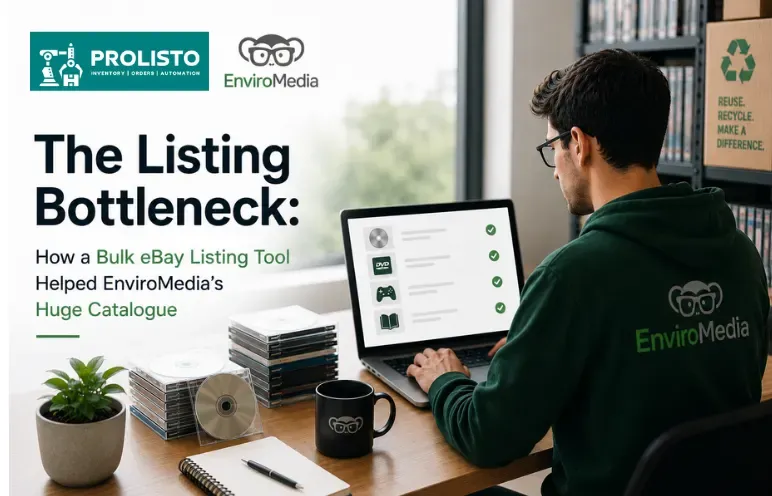
Media & entertainment
The Listing Bottleneck: How Prolisto’s Bulk eBay Listing Tool Helped EnviroMedia’s Huge Catalogue
EnviroMedia
United Kingdom
Put your logo, colours and layout around every eBay description. Prolisto fills in the title, price and photos and applies the template each time you list, so you set it up once and never paste HTML again.
Buyers compare several listings for the same item. A clean, branded template shows them a proper business and makes the product details easy to find. Ours are built to stay within eBay's rules, with no active content, and they work on any screen.
Change the colours, fonts and layout to match your brand, edit the code yourself, or have us design one for you.
Add your logo, banners and colour scheme once, and they appear on every listing you create.
The title, price and photos drop into the template automatically when you list. Nobody copies HTML into eBay's description box.
See every change straight away, before a buyer does.
If you know HTML, change the template directly. If you don't, you never have to look at it.
Real numbers from businesses on Prolisto.
Media & entertainment
EnviroMedia
United Kingdom
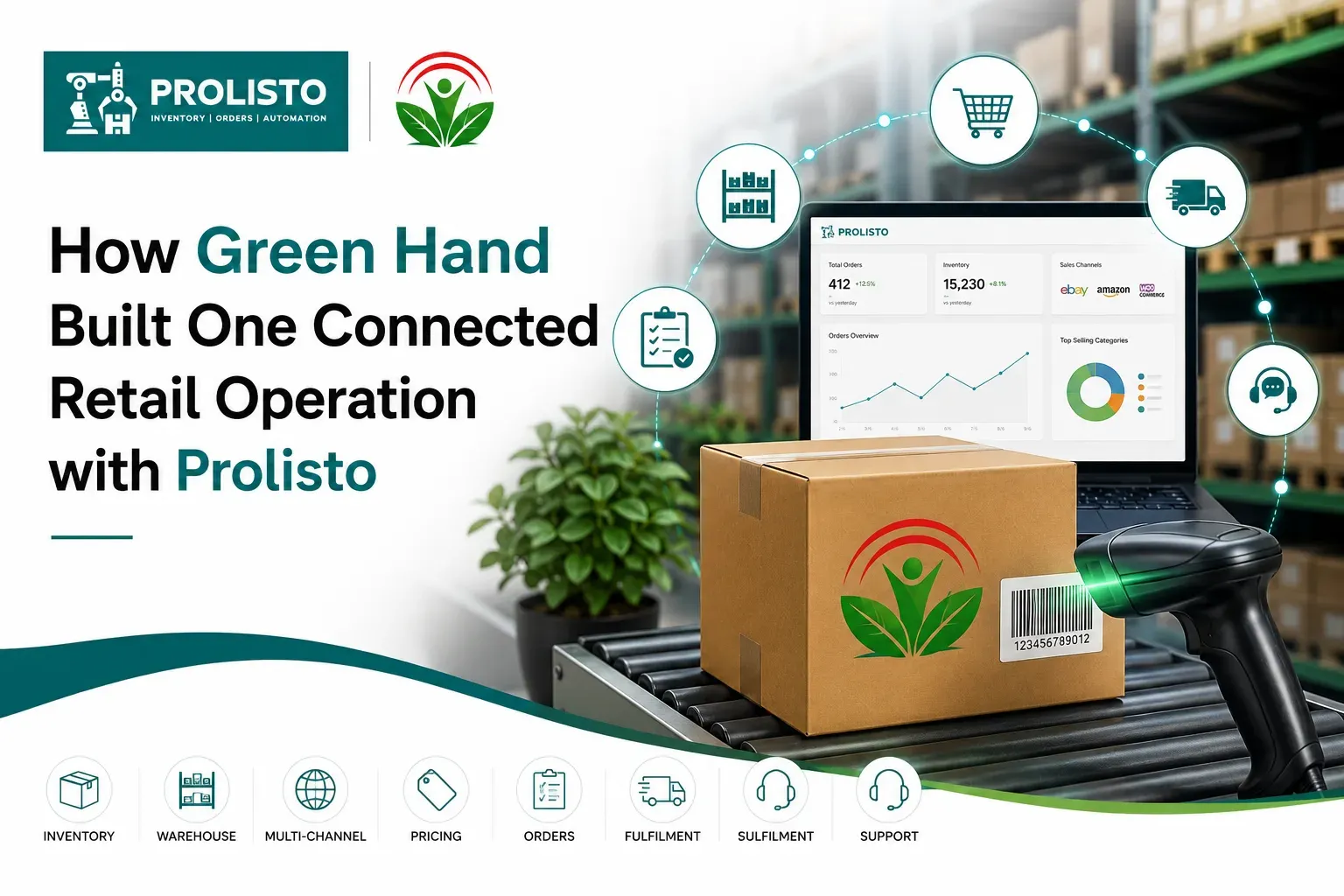
Second-hand & charity
Green Hand
Stirling, Scotland
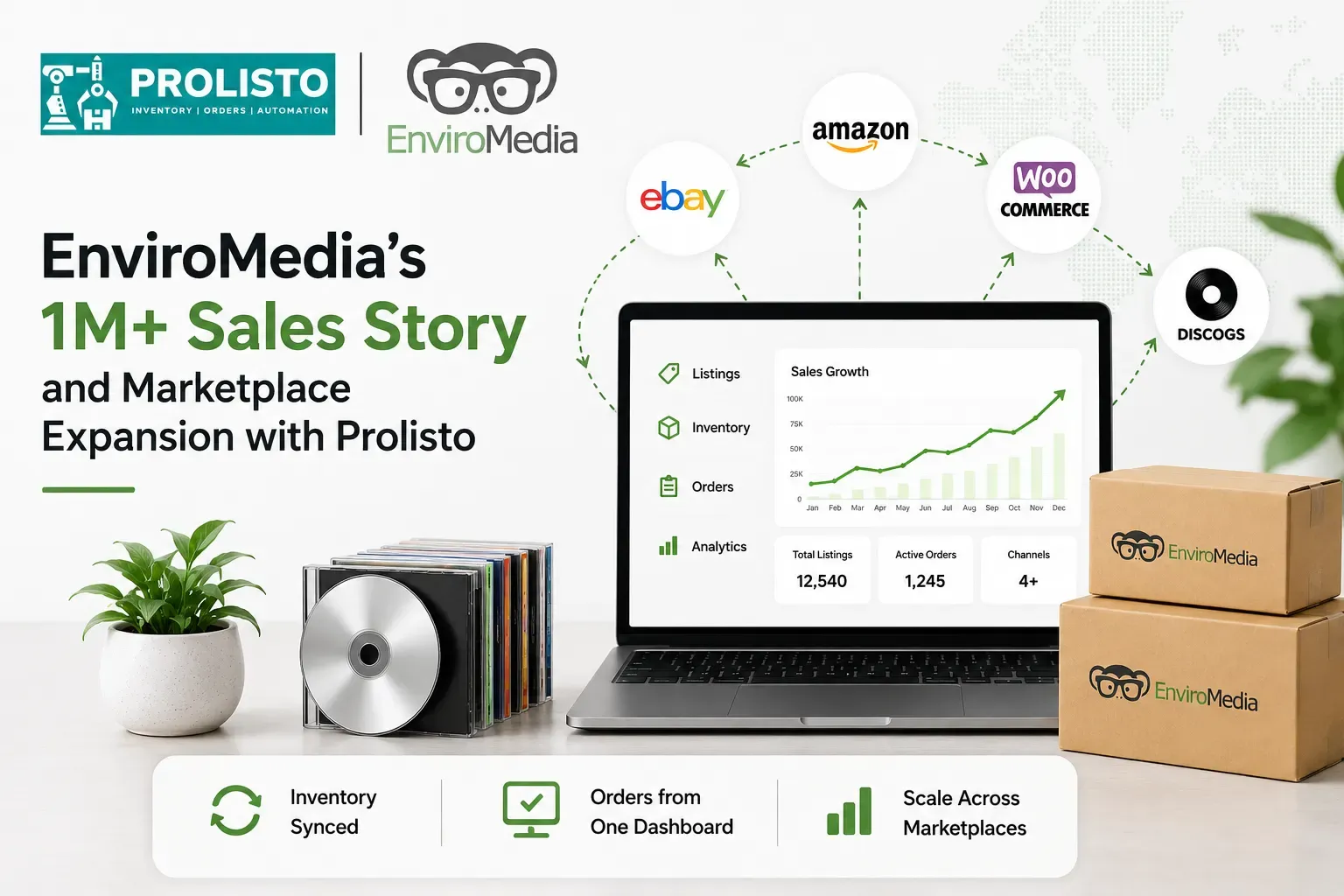
Media & entertainment
EnviroMedia
United Kingdom
Phones, tablets and desktops.
From DVDs to car parts.
Related items shown inside each listing.
Built without active content.
Custom service
Our designers build eBay listing templates and eBay shops around your brand, to eBay's rules, and host them for you. First mock-ups usually arrive within 3–5 working days.
FAQ
Book a short call, connect your channels, and see how much of your week it gives back.