


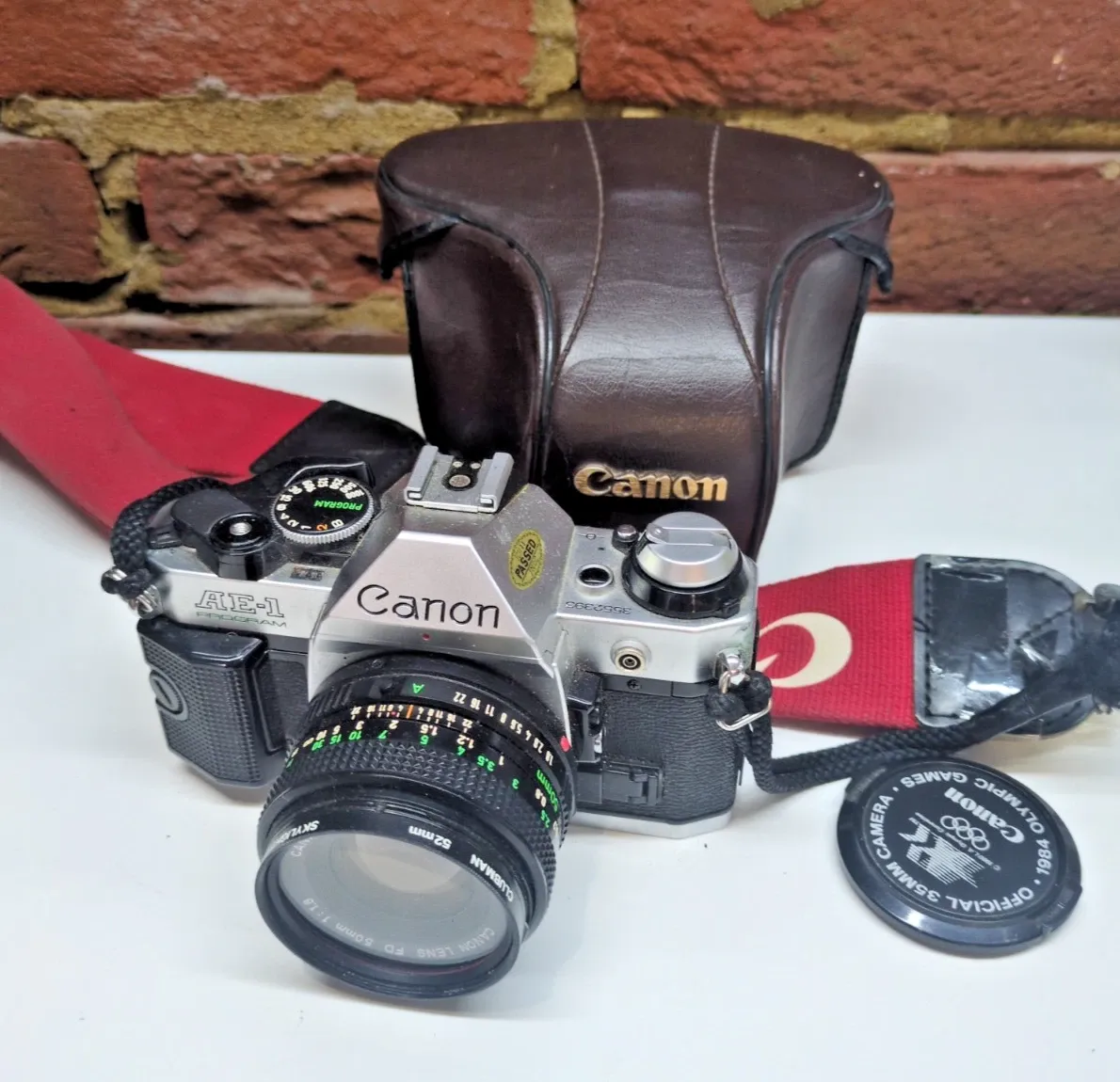
Plenty of listing tools need a barcode to look the product up. This one reads the photo instead, so it works for used goods, clothes, antiques and one-offs. You check what it has written, change anything you like, and list.
Free tool
Free AI eBay listing generator
Upload a photo and get an eBay-ready listing: title, category, item specifics and description. Free to start, no credit card needed.
- Free to start
- No credit card required
- Works from a photo
See it in action
Four ways to start a listing
A voice-over showing the ways to start a new eBay listing in Prolisto: upload photos, import from an Amazon ASIN, use an eBay listing ID, or paste a product URL.
Included in the free plan
Start free, and grow into more
The AI listing generator is part of the free Start plan. No credit card, and nothing to install.
- AI listing generator
- Unlimited templates
- Repricer every 24 hours
- Unlimited pricing strategies
- Amazon to eBay listing from ASIN
- Drag and drop product data processing
From photo to live listing in four steps
- 1
Sign up and connect eBay
Create a free account and connect your eBay account through eBay’s secure sign-in. No API keys needed.
- 2
Upload a photo
Add a photo of the item. You don’t need a barcode, part number or keywords.
- 3
Review and adjust
Check the title, category, item specifics and description it has written. Choose the listing type, duration, policies and price.
- 4
Publish
List it on eBay with one click.
Video
Creating an eBay listing with Prolisto
A voice-over walk-through of creating an eBay listing in Prolisto, from the listing form to publishing.
What it does for you
The slow parts of listing, done for you. You stay in charge of what goes live.
Starts from a photo
Upload a picture and it works out what the item is and drafts the whole listing. No barcode or product code to look up.
Titles and descriptions for eBay
Written with eBay search in mind, and checked against eBay’s listing guidelines before you see them.
Item specifics filled in
It reads details from the photo and pre-fills the item specifics eBay uses to match buyers to listings.
Good for used and one-off items
Clothes, antiques, second-hand goods and anything without a barcode are exactly what it’s built for.
Reusable templates
Save listing type, price, SKU, business policies, condition wording and item specifics, and start the next listing from them.
Auction or fixed price
Choose the format for each listing, and set the duration, policies and price before you publish.
Questions about the AI listing generator
Is the AI listing generator really free?
Yes. It’s part of the free Start plan, and you don’t need a credit card to sign up. eBay’s own selling fees still apply, depending on your eBay account.
Do I need a barcode or product code?
No. It reads the photo, so it works for items without a barcode, such as used goods, clothes and antiques.
How long does it take to create a listing?
Usually a few seconds after you upload the photo. Then you review it, change anything you like and publish.
Can I change what it writes before it goes live?
Yes. Nothing is published until you’ve reviewed the title, item specifics and description and chosen to list it.
Which marketplaces can I list on?
It’s built for eBay. The paid plans also list on Amazon, WooCommerce, Discogs and ShopBlocks from the same stock count.
Does it work on my phone?
Yes. It runs in any web browser, on a computer or a mobile phone.
What if I need more than listing?
The free plan also includes repricing every 24 hours. When you want stock kept in step across channels, shipping labels and more, the Grow and Scale plans add them. You can see them on the pricing page.
Create your first listing for free
Upload a photo and have an eBay-ready draft in seconds.
Free to start. No credit card required.